
The transfer starts before you turn on the new phone. Once the old one is reset, unsaved data does not come back. An hour of preparation avoids a week of regret.
A new phone knows nothing about you. The old device, as long as it is intact, holds the map: photos, conversations, accounts, recovery codes. Empty it in order, not in a hurry.
Before you touch the new phone
Charge both devices above 50%. Connect them to Wi-Fi. Check free space on the new phone: a 128 GB copy does not fit into 64 GB.
Write down the passwords for your main accounts. Back up WhatsApp. Check that Google Photos or iCloud has finished syncing. Do not reset the old phone before you have checked the new one.
A transfer is not a backup. It copies what is there. A photo deleted yesterday will not return.
Android to Android
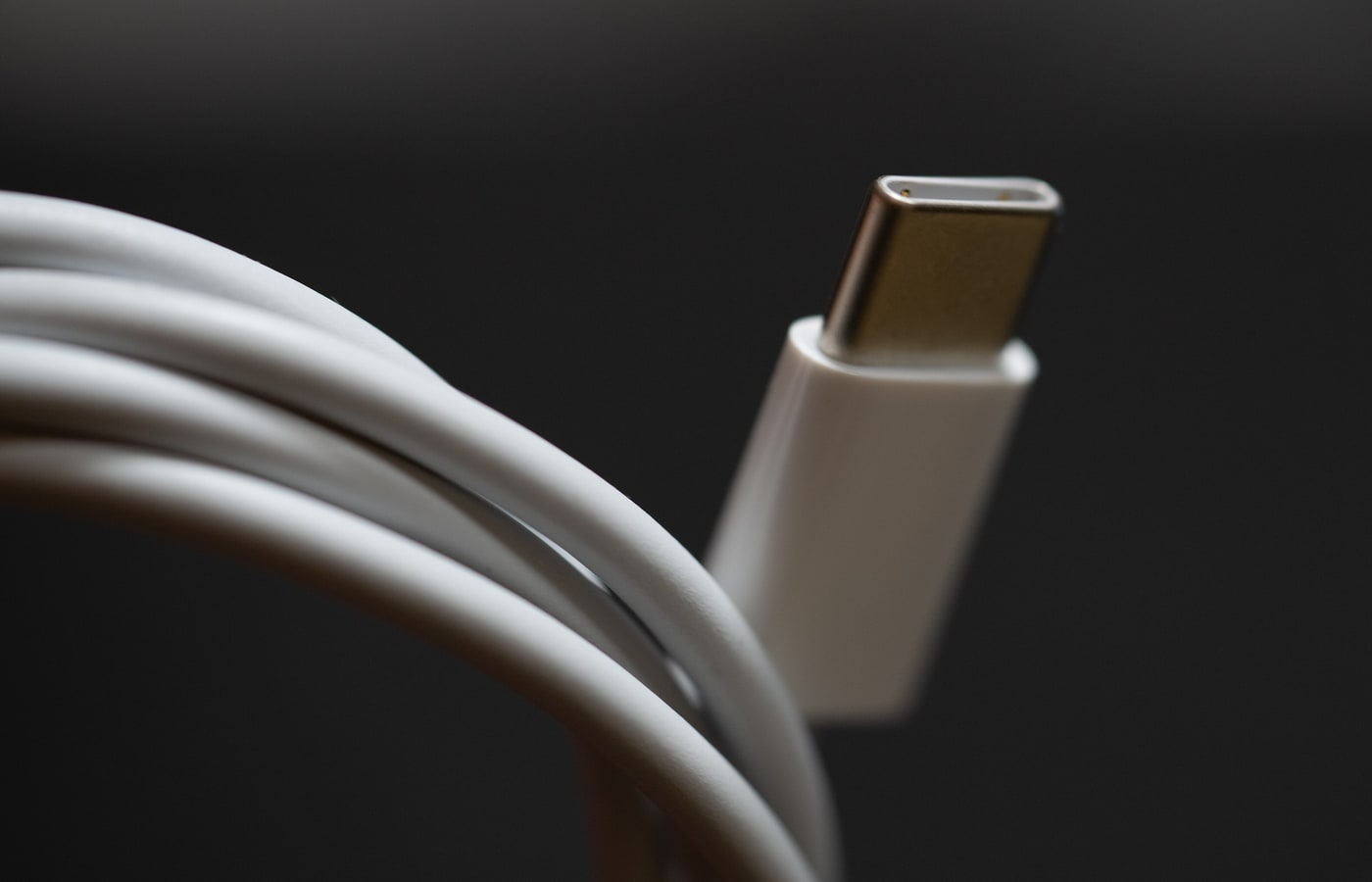
On first boot, Android offers "Copy apps and data". Choose the old phone, connect both with a USB-C cable if possible, otherwise use Wi-Fi. The cable is faster and more reliable.
Google says the operation can only be done once, during setup. If you pass that screen, you must reset the new phone to get the option back.
On Samsung, Smart Switch adds a dedicated interface and pulls data from an iPhone or an Android. It exists as an app and on PC. The principle is the same: both devices close together and charged.
Apps often come back, but their internal data does not. A banking app asks for a new activation. A game may lose progress if it does not save online.

Android to iPhone
Apple provides Move to iOS. Install the app on the Android, start setting up the iPhone, choose "From Android", then follow the screens. A USB-C cable is steadier than Wi-Fi.
The transfer brings contacts, photos, messages, calendars and some apps. Android apps do not install on iOS: those available on both platforms are downloaded from the App Store, often without your data.
A new or reset iPhone is required. If setup is finished, you must erase it and start again. That is why you prepare the old phone before touching the new one.
WhatsApp is its own case
From Android to Android, WhatsApp offers two routes: restore a Google Drive backup, or transfer directly by QR code between the two phones. The backup must be enabled beforehand.
Android to iPhone goes through Move to iOS. You need the same WhatsApp version, the same number, and a new or reset iPhone. Call history does not follow, and neither do media received through Channels.
Do not open WhatsApp on the new phone before the transfer. An early activation can replace the history you wanted to recover.
If the number changes, change it on the old phone first. WhatsApp ties history to the number.
Photos, files and backups
Google Photos backs up images to the cloud if the option is on. On iPhone, iCloud Photos does the same job. Check the photo count and the date of the last backup before resetting.
For large files, a cable and a computer remain the safest method. Copy the DCIM folder, documents and downloads. An external SSD or a USB-C drive keeps you off the network.
MicroSD cards are less common now, but if the old phone has one, remove it before the reset.
Banking, authenticator, eSIM
This is the part guides forget. Banking apps are tied to the device. You often need to reactivate with an SMS code or a call to an adviser. Do it before cancelling the old line.
Two-factor authentication apps must be moved before the old phone goes. Google Authenticator offers a QR transfer or account sync. If you lose access, some accounts become very hard to recover.
For the SIM card, the move is usually physical. eSIM transfers depend on the operator, sometimes through an SMS code. Keep the old phone on until the new line works.
What never follows
Banking apps, transit passes, DRM-protected subscriptions and some games do not transfer their data. WhatsApp conversations can be copied, but not merged: one history replaces the other.
Passwords saved in the browser follow if you are signed in to the same account. Recovery codes are not in the cloud. Take them out beforehand.
Check before you wipe
Open photos, messages, contacts, banking and the authenticator. Make a call and send an SMS. Check that notifications arrive.
Keep the old phone for two weeks, switched off but not reset. That is the realistic window to discover what is missing. Only then erase it.
Verdict
A successful transfer is not a miracle app. It is preparation: backup, passwords, space, then verification. The cable does the rest.
Read next
- 128 GB or 256 GB: which storage to choose
- Refurbished phone: what to check
- Compare phones sold in Algeria
Sources
- Google: copy apps and data to a new Android device
- Apple: move from Android to iPhone
- WhatsApp: move chats from Android to iPhone
- Google: transfer WhatsApp data to a new Android
Photo credits
Photos: Dariusz Sankowski (CC0), ENERGY.GOV (CC0), Tony Webster (CC BY 2.0), James Sutton (CC0). Files via Wikimedia Commons.


