
A phone that feels warm after twenty minutes of gaming is not broken. A phone that burns your hand while sitting idle on a table needs a check. The space between those two situations is where most buyers get confused.
Heat is a by-product of work. A processor turns energy into calculations and warmth, and a battery does the same while charging or draining fast. It becomes a problem when it settles in, when the back is too hot to hold, or when it appears while the phone is doing nothing.
What generates the heat
The processor converts part of its power into computation and part into heat. The battery warms up when it discharges quickly, and more when it charges. The modem adds its own share on 4G and 5G, especially with a weak signal: the antenna raises its power to hold the network.
A phone has no fan. It sheds heat through the back, the frame and the screen. A thick case slows that transfer. In an Algerian summer the air is already at 35 to 40 °C, so the device has little room left to cool.
The normal kind of heat
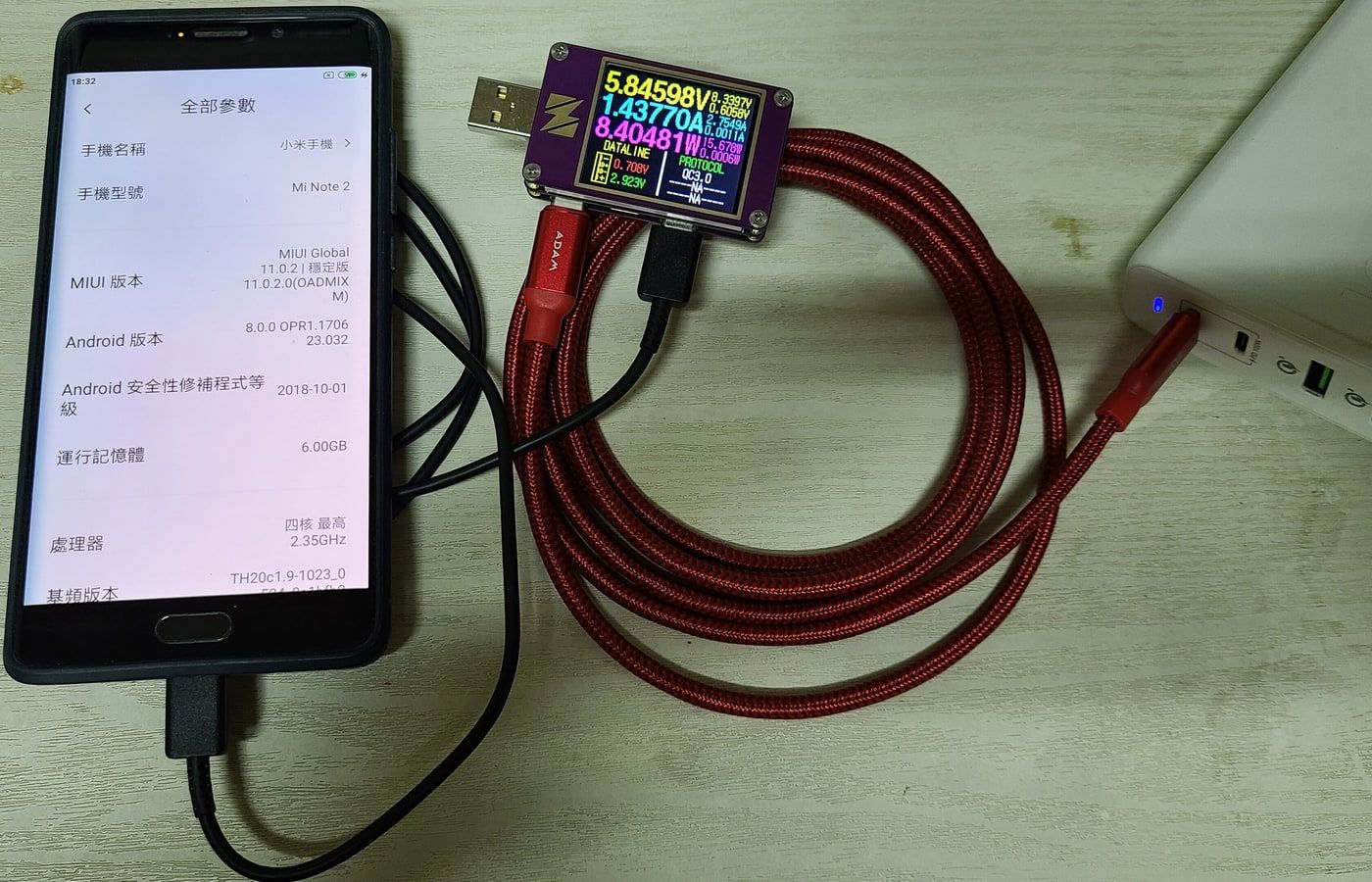
Three situations produce legitimate warmth. Fast charging first: a 45 W brick or higher works the battery and the conversion circuit. Gaming second, because the graphics chip runs at full load for tens of minutes. GPS navigation in direct sun third, which combines a lit screen, the modem and radiation.
In those cases the back can reach 35 to 40 °C. If you can keep your hand on it without pulling away, it is hot but not dangerous. The phone may dim the screen or drop frame rate to protect itself. That is expected behaviour.
The threshold that should stop you
Above roughly 45 °C at the surface, the safeguards kick in. Android reports a high thermal status, stops charging, lowers brightness and throttles the processor. A message asking you to let the phone cool is not a fault. It is the system refusing to damage itself.
Apple rates the iPhone for use between 0 and 35 °C, and warns that a higher ambient temperature can permanently damage battery capacity. The same logic applies to Android: a 45 °C summer is not a spring day.
Why Algeria makes it worse
A thermometer in the shade reads 40 °C in July. Inside a parked car, the dashboard passes 60 °C. A phone forgotten there for an hour endures more stress than a year of ordinary use.
Charging in the car stacks two heat sources: the charger and the cabin. The case adds an insulating layer. A mount fixed to the windscreen puts the device in direct sun. Three habits reduce the damage: take the case off, point the vent at the phone, and stop leaving it on the dashboard.
Software causes
After a system update the phone reindexes files for hours. Photo backup, account sync and app updates run in the background. An active hotspot warms the modem. A poorly coded app can keep the processor awake with no visible reason.
Diagnosis starts in settings. The battery page lists consumption per app. An app that uses more than the screen while closed deserves uninstalling. Always-on location and animated wallpapers count too.

What not to do
The fridge and the freezer are bad ideas. The thermal shock creates condensation inside, and moisture attacks the contacts. Rice does not dry a phone and does not cool it. Closing every app does not lower the processor temperature, because the system restarts them.
Charging while gaming is the worst compromise. The battery receives energy while the processor spends it. Temperature climbs faster than in either use on its own.
What to do
Take the case off. Put the phone on a hard surface, not a bed or a sofa. Move it into the shade, away from a window. Lower the brightness. Turn off hotspot and GPS if you are not using them. Stop charging until the device returns to a normal temperature.
For overnight charging, a slow brick is enough. Fast charging is for when you are in a hurry, not for eight hours of sleep. Keep the battery between 20 and 80 percent most of the time, and avoid leaving it plugged in at 100 percent all night.

When the phone is the problem
A device that heats up at idle, with the screen off, has a fault. A swelling battery, a lifted back, a burning smell or repeated shutdowns are not normal use. A swollen battery is replaced, not repaired. Continuing to use it carries a fire risk.
A two or three year old battery runs hotter because its internal resistance rises. Replacing it usually costs less than a new phone, provided the technician uses a quality part.
Heat and battery ageing
A lithium battery wears faster above 30 to 35 °C. Heat speeds up the internal chemical reactions, and lost capacity does not come back. Two summers on a dashboard cost more capacity than two years of slow charging.
That is why a used phone should be checked battery in hand. A 2023 model that lived in a car can deliver less runtime than a 2021 model kept in the shade.
Verdict
A phone that gets hot after gaming or fast charging is normal. A phone that burns without activity, or swells, should be shown to a technician. In Algeria, managing heat is part of ownership: the case, the sun and the car matter as much as the processor.
Read next
Sources
- Apple: keeping iPhone within acceptable operating temperatures
- Android: managing heat and performance
- Apple: maximising battery lifespan
Photo credits
Photos: OnionBulb (CC BY-SA 4.0), SuFlyer (CC0), Ed Poor (CC BY-SA 3.0), Biswarup Ganguly (CC BY 3.0). Files via Wikimedia Commons.


